


Many small and mid-sized businesses pour resources into content, keywords, and link building, yet their Google rankings refuse to budge — even when competitors seem to publish weaker content. In most of these cases, the problem isn’t the content strategy at all. It’s how the site behaves in a real user’s browser: how fast it loads, how quickly it responds to clicks, and whether it “jumps” under the visitor’s fingers while loading. These are exactly the things Core Web Vitals measure — a set of metrics Google has treated as a ranking signal since 2021.
The trouble is that Core Web Vitals tend to be dismissed as a purely technical topic, something for “the IT person” rather than the business owner or marketer. In practice, this means the same technical mistakes repeat across dozens of sites, quietly limiting their visibility in search results. Below, we break down what Core Web Vitals really mean in 2026 and which factors most often slip past smaller companies unnoticed.
What Core Web Vitals Are and Why They Still Matter
Core Web Vitals are three metrics Google uses to assess user experience quality on a given page: Largest Contentful Paint (LCP), Interaction to Next Paint (INP), and Cumulative Layout Shift (CLS). LCP answers the question of how quickly the page’s main, most important content appears on screen — usually a product photo, headline, or banner. A good score is under 2.5 seconds. INP measures how quickly the page responds to clicks, taps, and typing throughout the entire visit, not just on the first interaction — here, the threshold for a “good” experience is 200 milliseconds. CLS, meanwhile, evaluates visual stability — whether elements “jump” while the page loads; a good score sits below 0.1.
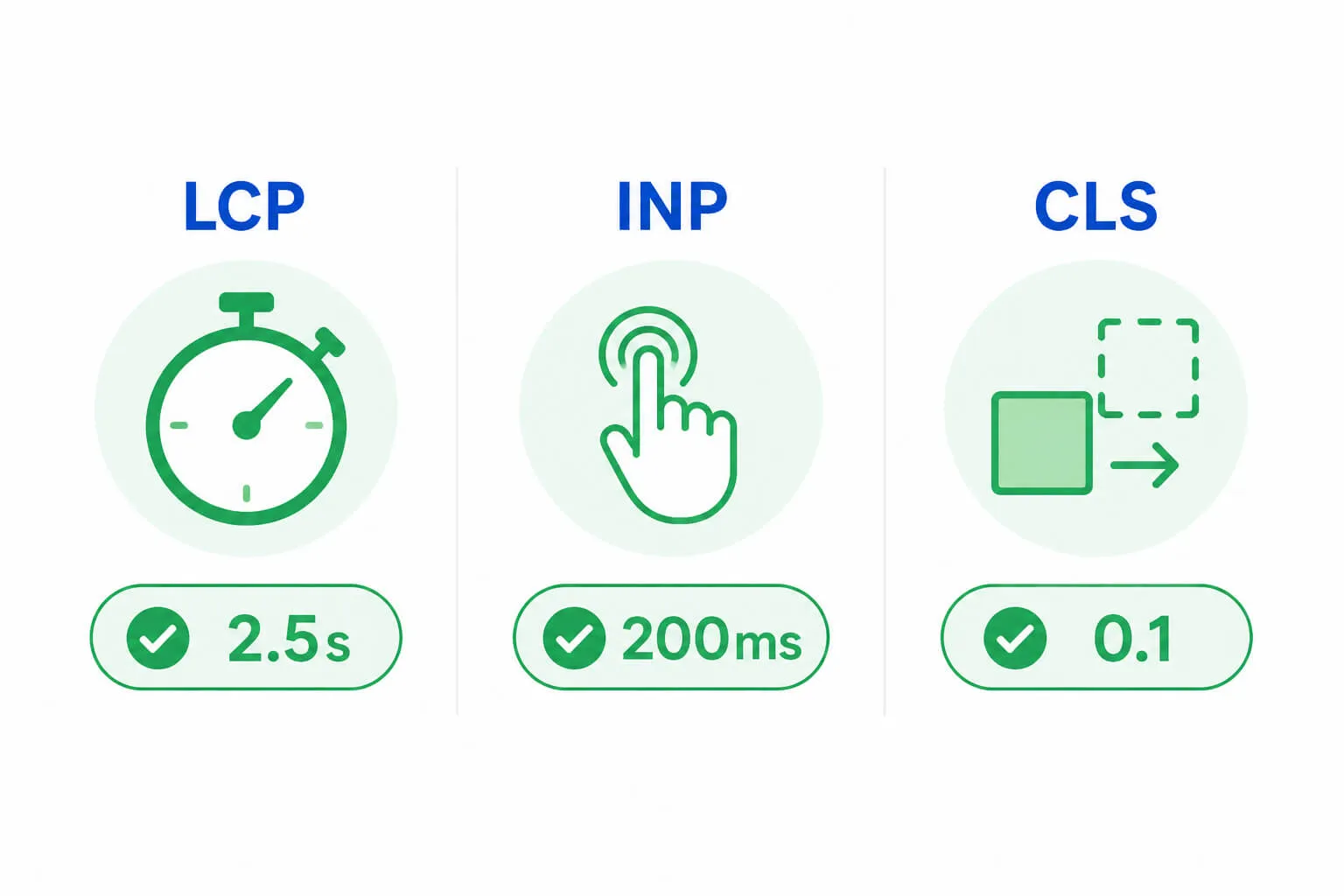
It’s worth noting that Google doesn’t score an entire website with a single number. Instead, it evaluates individual URLs based on real-world data collected from Chrome users (the so-called CrUX data), looking at the 75th percentile of visits over the last 28 days. This means that for a page to be rated “good,” 75% of visits must fall within the good thresholds for all three metrics at once. Content quality and domain authority remain the most important ranking factors overall, but when two pages offer comparable substance, Core Web Vitals can be exactly what tips the scale toward one of them.
Deprioritizing the Hero Image: The Most Common LCP Mistake
One of the most repeated mistakes on small and mid-sized business websites is applying lazy loading to the image that also happens to be the LCP element — the main image visible immediately upon landing on the page. Lazy loading is a good practice on its own, since it defers the loading of images further down the page, out of the initial viewport. The problem arises when the same mechanism is applied to the hero image on a homepage or the main product photo — in that case, the browser deliberately delays the very element Google treats as the key loading-speed signal.
Another frequently overlooked factor is image format and file weight. Many sites still rely on uncompressed JPEG or PNG files, while formats like WebP or AVIF can cut image weight by dozens of percent with no noticeable quality loss. Combined with a lack of preload for critical resources and a slow hosting server that extends time to first byte (TTFB), the effect compounds: the visitor waits far longer for content to appear than the page’s actual weight would suggest.
Third-Party Scripts: The Leading Cause of INP Problems
INP is the metric that gives small businesses the most trouble, since improving it rarely comes down to a single easy fix — it requires examining the architecture of the scripts running on the site. In practice, the most common culprits are third-party widgets and integrations: live chat tools, analytics scripts, ad pixels, review plugins, or newsletter sign-up forms. Each of these loads its own JavaScript code, which competes for browser resources with the rest of the page, and if it runs long tasks that block the main thread (over 50 milliseconds), the user experiences it as a delayed response to their click.
The problem intensifies on pages with more complex functionality — filters on an e-commerce store, multi-step forms, or interactive calculators — since these have far more possible interactions and, consequently, far more opportunities for delay. Many businesses focus exclusively on page load time and consider the performance topic closed, without realizing that INP measures responsiveness across the entire visit, not just the first interaction with the site. As a result, a page can load instantly and still be rated “poor” in terms of user experience.
Missing Reserved Space for Dynamic Elements: The Root of CLS Problems
Cumulative Layout Shift is most often ruined by elements that appear on the page with a delay and have no space reserved for them in advance. A classic example is cookie banners and newsletter pop-ups that load after the main content has already rendered, suddenly pushing everything below them down the page. Ads embedded without defined dimensions, dynamically loaded customer reviews, and custom fonts that change text height after loading cause a similar effect.
In online stores, a common source of the problem is product cards with asynchronously loaded elements — for example, availability status, promotions, or ratings that appear with a delay relative to the rest of the layout. Fixing this doesn’t require advanced development skills: simply giving images and containers for dynamic content explicit dimensions (width and height attributes or equivalent CSS) lets the browser reserve space for the element before it fully loads.
Why Mobile Matters More Than Desktop Today
In many industries, more than half of all traffic now comes from mobile devices, and Google has used mobile-first indexing for years, meaning the mobile version of a page is the baseline for evaluation in most cases. Yet the mobile version of many websites is still treated as a byproduct of the desktop version rather than a distinct user experience — one with less processing power, slower connections, and a lower tolerance for delay.
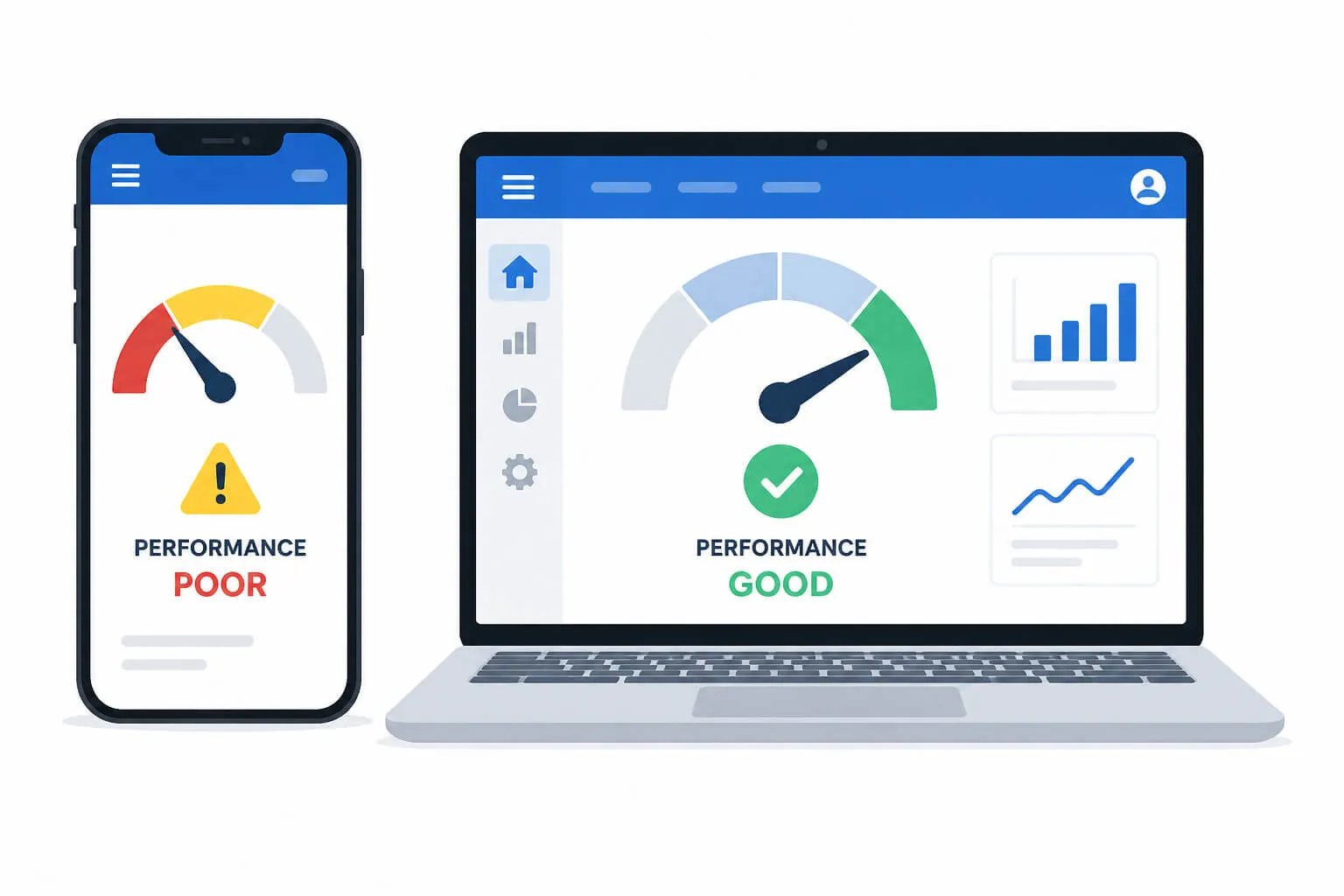
The result is that a page can score very well on desktop while performing noticeably worse on mobile, which genuinely limits its visibility, since mobile data is what Google uses as the reference point. Businesses that want to meaningfully improve their rankings should therefore test and optimize site performance primarily from a mobile perspective, rather than treating mobile as an afterthought to the main version.
How This Translates Into Real Business Impact
The impact of Core Web Vitals extends far beyond SEO alone. Every additional second of delay beyond the 2.5-second loading threshold noticeably increases the bounce rate, and slower sites see a significantly higher share of visitors leaving before they even see the content. In e-commerce, this translates directly into lost revenue — even a small delay in load time can cost a store real orders every month, while sites that achieve good scores across all three metrics see clearly higher conversion rates.
This shows that technical optimization isn’t purely “a developer’s task” — it’s a business strategy element that simultaneously affects search visibility, customer experience, and final sales.
Where to Start Optimizing
The best way to improve Core Web Vitals is to start with a diagnosis based on real-world data, not lab tests alone. The Core Web Vitals report in Google Search Console shows how actual users experience your site, while PageSpeed Insights helps pinpoint the specific causes of problems on individual pages. Keep in mind that Search Console data updates on a 28-day cycle, so the effects of any fixes only become visible after a few weeks — this calls for patience and a systematic approach rather than a one-off effort.
In practice, the most effective approach is to prioritize: start with the hero image and file weight (LCP), then review which third-party scripts are actually necessary (INP), and finally give explicit dimensions to dynamic elements like banners or ads (CLS). This order delivers visible improvement without requiring a full site rebuild.
The Technical Details That Decide Competitive Advantage
Core Web Vitals problems are rarely the result of one spectacular mistake — far more often, they’re the sum of small technical oversights that seem insignificant on their own but, together, genuinely lower the quality of the user experience and the page’s search ranking. For small and mid-sized businesses without a dedicated development team, the biggest challenge is that these problems are invisible at first glance — the site looks fine, yet it performs slower or less smoothly than it could.
That’s exactly why a regular technical audit and ongoing monitoring of Core Web Vitals should be a permanent part of an SEO strategy, not a one-time action taken only in response to a ranking drop. Businesses that consistently maintain these fundamentals gain an edge that doesn’t require a bigger content or link-building budget — all it takes is a site that simply runs faster and smoother than the competition’s.